
Visual Storyboarding Template
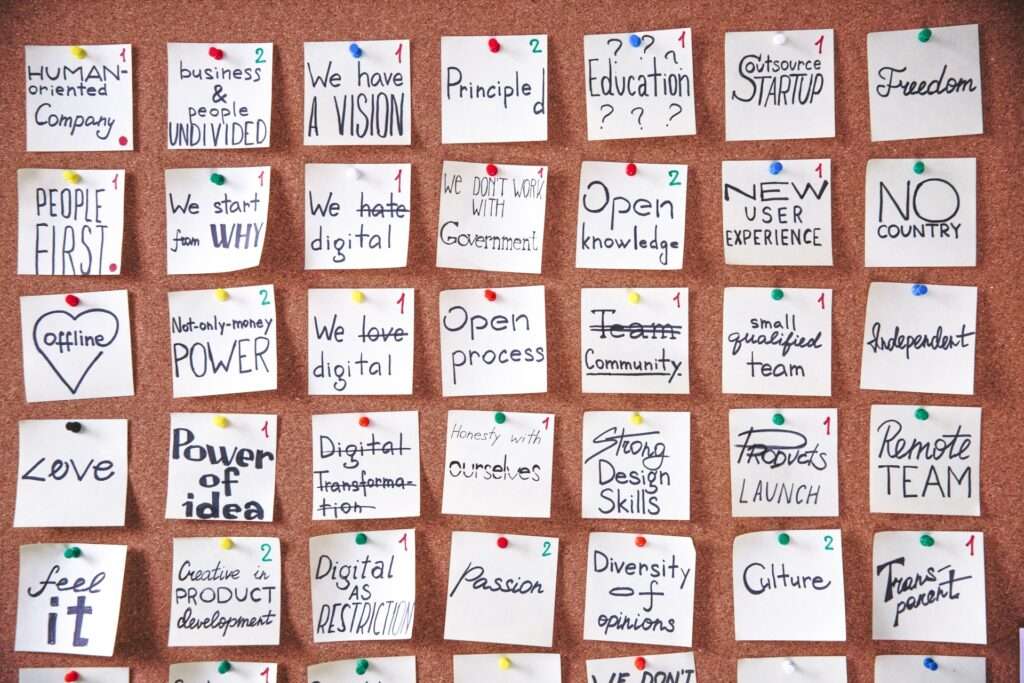
Visual Storyboarding Template
A visual storyboard turns an idea into a sequence that a team can inspect before it spends time producing the final work. Use it for a listing presentation, a campaign, a client experience, or an internal initiative when the order of the message matters.
Start with the audience and the decision
Name the person the work is meant to help and the decision or next action the sequence should support. A precise audience keeps the storyboard from becoming a collection of attractive but disconnected scenes.
Give each frame one job
- Context: show the situation and why the subject matters.
- Tension: make the question, obstacle, or choice visible.
- Evidence: add the observation, example, or source that helps the audience understand.
- Resolution: show the decision, changed understanding, or next step.
Review the sequence before production
Read the frames in order without adding an explanation out loud. If a transition needs a spoken rescue, rewrite the frame or add the missing context. Check that each visual has a clear caption or purpose and that the final action follows naturally from the story.
Use the template as a working document. Invite a colleague to mark where the sequence is unclear, then revise the order and assumptions before the work is shared with clients or a wider team.
Request a complimentary one-hour conversation with a senior advisor who is an experienced operator. Talk through your next move.